


The way we sign in online is changing fast, and nowhere is that more obvious than with a blockchain login account. Instead of relying on a central company to store your password and decide who you are, blockchain-based authentication lets you prove ownership of a cryptographic key and access apps, assets, and data across Web3. Whether you’re trading NFTs, interacting with decentralized finance, or connecting a wallet to a decentralized application, the identity layer is no longer just an email-and-password form. It’s cryptography, non-custodial wallets, and sometimes decentralized identifiers (DIDs) all working together behind the scenes.
This guide explains how a blockchain login account actually works, how it differs from traditional sign-ins, which wallet options to choose, and the best security practices to keep your digital life safe. You’ll learn about seed phrases, private keys, hardware wallets, passkeys, two-factor authentication, and zero-knowledge proofs, with practical advice to avoid common mistakes. By the end, you’ll be confident setting up, securing, and recovering your access—without falling into the traps that snare so many beginners.
What Is a Blockchain Login Account?
A blockchain login account is a method of authentication that uses public-key cryptography to verify you are the owner of a specific blockchain address. Instead of typing a password, you authenticate by signing a message with your private key. The dApp or service checks the signature using your public address and grants access if it matches. There’s no central credential database to breach, and you never transmit your secret key.
Unlike Web2 accounts, your identity can be portable. If you control the key, you can prove “you are you” to any compatible service, from NFT marketplaces to DeFi protocols. Some platforms layer DIDs and verifiable credentials on top of this, enabling rich, privacy-preserving profiles that you carry from app to app.
Public Keys, Private Keys, and Why They Matter
At the heart of every blockchain login account are two numbers: a public key (or address) and a private key. Your public address is safe to share; it’s how others send you tokens or identify your wallet. Your private key, however, must remain secret. With it, you sign transactions and login messages. If someone else obtains it, they can impersonate you, drain your funds, and hijack your identity.
Because private keys are impossible to memorize, wallets generate a seed phrase (also called a recovery phrase). This human-readable list of words can recreate your private key. Treat it like the master key to your entire crypto identity.
How Blockchain Login Compares to Password Logins
Traditional login flows revolve around central databases storing email/password pairs, often protected by hashing and optional multi-factor authentication. A breach can expose millions of passwords at once. Password reuse compounds the risk as attackers try stolen credentials across other sites.
A blockchain login account removes passwords from the equation. You authenticate by signing a challenge with your wallet. The service never learns your secret; it only verifies a signature. There’s no password to steal, and the same wallet can authenticate across many services. For added convenience, modern wallets support passwordless flows like passkeys (FIDO2/WebAuthn) and biometrics on secure devices, making the experience feel seamless while keeping the underlying cryptography intact.
Types of Wallets for Your Blockchain Login Account
Choosing the right wallet is the first real decision you’ll make, and it shapes your daily experience.
Non-Custodial Wallets
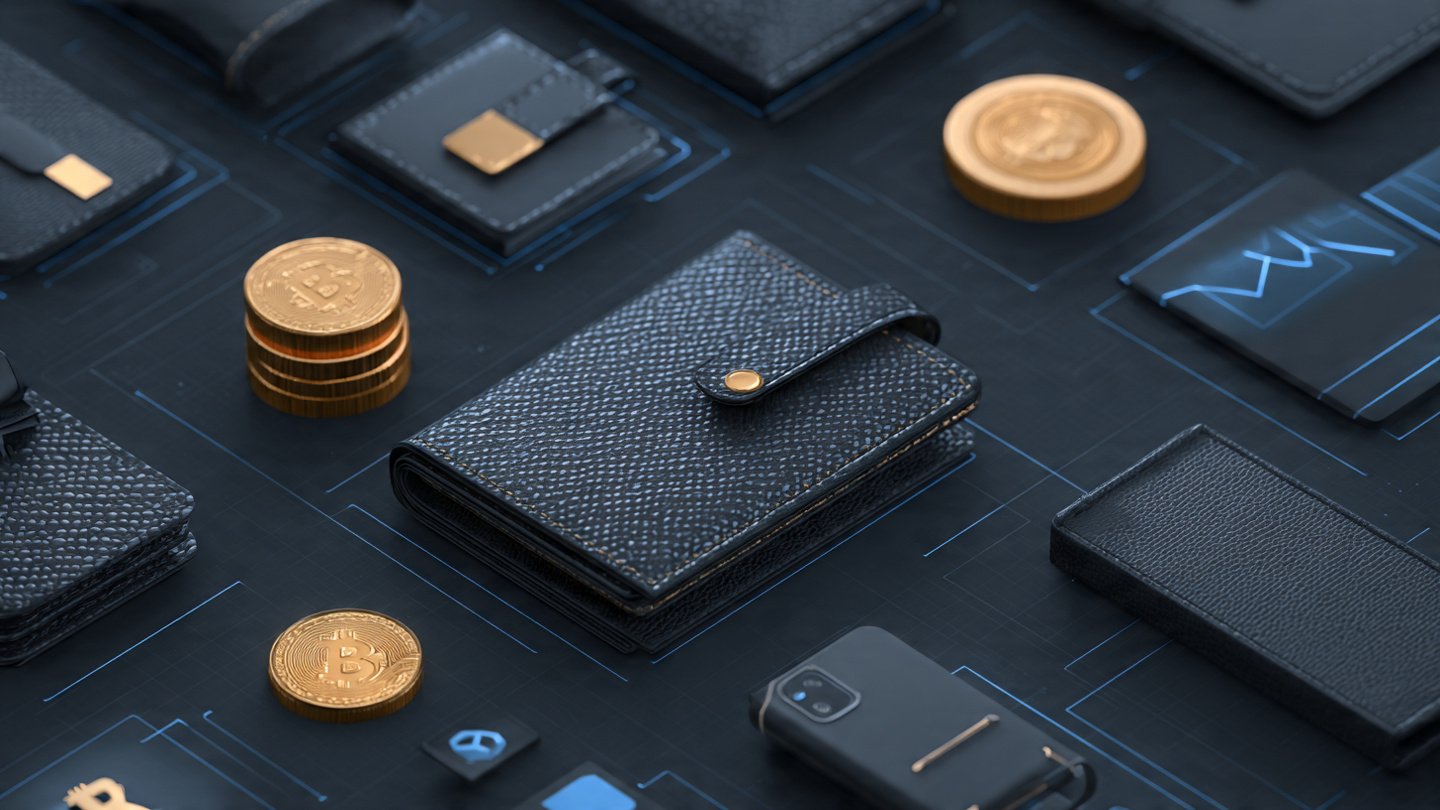
A non-custodial wallet gives you full control of your keys. Popular browser extensions and mobile wallets let you connect to dApps and sign login messages with a click. Because no company holds your key, you assume the responsibility of safe storage. This is the purest form of a blockchain login account because your identity is entirely yours. Pair a non-custodial wallet with hardware wallet support for maximum security.
Hardware Wallets
A hardware wallet stores your private keys offline and signs messages inside a secure chip. When you authenticate, the device confirms details on its screen and returns a signature to your computer or phone. This protects against many malware and phishing attacks that target software wallets. If you interact with significant assets or mission-critical dApps, a hardware-backed blockchain login account is a smart baseline.
Custodial Wallets and Exchange Accounts
With a custodial setup, a centralized platform holds your keys and issues you a username/password (and usually 2FA). This is convenient for beginners and for recovery, but it introduces trust and regulatory constraints. You’re delegating control, which means the provider can freeze accounts or enforce KYC/AML rules. It’s still possible to sign in to some dApps via OAuth-like flows from custodians, but you lose the full self-sovereign nature of Web3.
Multi-Party Computation (MPC) and Social Recovery Wallets
MPC wallets split your key into shards across devices or services and reconstruct signatures collaboratively. Social recovery schemes allow trusted guardians to help restore access if you lose a device. These options target the biggest usability pain point—key loss—without reverting to centralized custody, and they’re increasingly popular for a resilient blockchain login account.
How Web3 Authentication Works Behind the Scenes
When you click “Connect Wallet,” the dApp presents a nonce—a unique random string—and asks your wallet to sign it. The wallet displays the site’s domain and the message for your approval. Once signed, the app verifies the signature using your public address. Frameworks like EIP-4361 Sign-In with Ethereum standardize this process, ensuring the message contains who is signing, what is being signed, and which domain is requesting it. Similar standards exist across chains, making blockchain login accounts interoperable across ecosystems.
Sessions, Permissions, and Scoped Access
Many apps create a time-boxed session token after you sign in, so you don’t need to sign every action. Advanced flows request scoped permissions, like approvals to spend a specific token or read certain data. As a rule, approve only what’s necessary. Periodically revoke dApp allowances in your wallet dashboard to minimize exposure.
Decentralized Identifiers and Verifiable Credentials
DIDs give you a persistent identifier that you control, while verifiable credentials let trusted issuers attest to facts about you—such as age, membership, or achievements—without exposing the underlying personal data. Combined with zero-knowledge proofs, you can log in and prove statements like “over 18” or “member of community X” without revealing your name or address. This privacy-preserving layer elevates a blockchain login account into a full, portable identity.
Security Fundamentals for Your Blockchain Login Account
Security is where most users make or break their Web3 journey. Take these principles seriously to keep your identity intact.
Protect the Seed Phrase
Write your seed phrase on durable, offline media and store it in a secure location. Avoid screenshots, cloud notes, or email. Consider splitting backups across locations or using metal seed storage for fire and water resistance. Never type your phrase into a website; legitimate wallets will never ask for it except during local recovery.
Use Hardware Where It Counts
For substantial assets or high-value accounts, incorporate a hardware wallet or a phone with a secure enclave. Confirm addresses on-device and keep firmware updated. If a dApp prompts you to sign a transaction that looks strange, cancel and investigate.
Enable Strong Device Security and 2FA
Lock your devices with biometrics or long passcodes. Use an authenticator app or hardware key for any custodial accounts supporting 2FA. For password managers and email accounts that touch your Web3 life, enforce FIDO2 where possible to resist phishing.
Watch for Phishing and Social Engineering
Scammers replicate wallet UIs and airdrop malicious NFTs to trick you into signing dangerous transactions. Bookmark official sites, verify URLs, and ignore unsolicited DMs. If a wallet or site asks for your seed phrase, it’s almost certainly a scam.
Limit Approvals and Review Activity
Regularly audit token allowances, connected sites, and session authorizations. Many wallets include a permissions dashboard; third-party explorers help you revoke approvals cheaply. Treat broad “infinite” approvals with caution, especially for valuable tokens and NFTs.
Setting Up Your First Blockchain Login Account
Getting started involves a few deliberate steps that balance convenience and safety.
Choose a Chain and Wallet
Decide which ecosystem you’ll use most—Ethereum, Polygon, Solana, Bitcoin Layer 2s, or others. Pick a reputable wallet with active development and clear documentation. For a first blockchain login account, a widely adopted mobile or browser wallet with hardware support provides a steady learning curve and future flexibility.
Secure Your Backups
Generate your wallet, record the recovery phrase, and test that your backup actually works by restoring on a second device offline. If using MPC or social recovery, configure guardians carefully and educate them on their role. Document your recovery procedures in non-digital form.
Connect to a Trusted dApp
Start with a known, audited application. When you click “Connect Wallet,” check the domain and the message text. Complete the signature, confirm the session, and explore read-only features. Move to low-value transactions first while you learn the flow.
Add Optional Identity Layers
If your use case benefits from persistent identity, add a DID and selectively request verifiable credentials from issuers you trust. Consider a human-readable name via a domain service, but don’t treat it as a security control—it’s a convenience layer.
Using a Blockchain Login Account in Everyday Life
Once you’ve set up, daily use becomes second nature.
Signing In Across dApps
The biggest shift is portability. When a new app supports your wallet standard, logging in is one click and a signature. Over time, you’ll rely less on memorized passwords and more on cryptographic proof tied to your wallet. This makes cross-platform experiences smoother, particularly for gaming, collectibles, and DeFi.
Managing Multiple Identities
You may want separate wallets for different roles: one for public activity, another for private finances, and a third for experiments. A single device can host multiple accounts, each acting as a distinct blockchain login account. Label them clearly and keep their approvals isolated to minimize blast radius.
Interacting with Mobile and Desktop
Mobile wallets are convenient for quick approvals with biometrics, while desktop browser extensions integrate well with rich dApp interfaces. Hardware wallets bridge both, ensuring the private key never leaves a secure chip. Pick the combination that fits your routine, and keep software updated.
Advanced Topics: Passkeys, Account Abstraction, and Gasless UX
The frontier of Web3 authentication focuses on making security invisible without sacrificing control.
Passkeys and WebAuthn
Passkeys use device-bound keys stored in secure hardware. Some wallets now support passkeys for wallet unlock or even for generating and protecting the chain keys themselves. This merges the convenience of biometric login with cryptographic rigor, turning your phone or security key into the anchor of your blockchain login account.
Account Abstraction and Smart Accounts
On chains that support it, account abstraction converts wallets into programmable smart accounts. They can enforce spending limits, require multiple signatures, or recover access via social guardians—all at the account level. This makes features like gas sponsorship and session keys possible, enabling “just works” experiences for mainstream users.
Zero-Knowledge and Privacy-Preserving Logins
With zero-knowledge proofs, you can prove a statement—such as ownership of a credential—without revealing the credential itself. As more dApps adopt ZK flows, you’ll use your blockchain login account to access services while revealing less personal information, aligning identity with privacy by design.
Compliance, Governance, and Real-World Constraints
As Web3 matures, compliance and governance increase. Many regulated services require KYC even when you use a wallet for login. Smart contracts introduce additional risk, so treat audits and bug bounties as signals, not guarantees. For organizations, policies around key management, role-based access, and multi-signature approvals help maintain internal controls while retaining the benefits of decentralized authentication.
Troubleshooting Common Issues
Even experienced users encounter friction. Knowing the typical failure modes keeps you calm and effective.
“Invalid Signature” Errors
This often means you switched networks, used the wrong account, or the app’s nonce expired. Ensure your wallet is on the right chain, refresh the page to request a new challenge, and try again. If a browser extension is stale, restart it.
Stuck or Confusing Transaction Prompts
Some wallets show the same approval format for logins and transactions. Read the prompt carefully. A simple login should be a message signature, not a token spend. If the wallet asks for unlimited token approvals for login, back out and verify you’re on the correct site.
Lost Device or Wallet
If you used a non-custodial wallet, restore from your seed phrase on a new device, then revoke old approvals and migrate to a fresh account if you suspect compromise. For MPC or social recovery, follow the guardian process you set up. If you used a custodial account, contact support with your 2FA details and identity verification.
Best Practices Checklist for a Safer Blockchain Login Account
Adopt these habits to make your Web3 identity resilient.
Keep Software Current
Update your wallet, browser, firmware, and operating system. Many wallet updates patch vulnerabilities or improve the clarity of signing prompts, reducing human error.
Separate High-Risk from Everyday Use
Use a dedicated wallet for high-value assets with strict policies—hardware wallet, minimal approvals, and cold storage when possible. Maintain a lighter wallet for experimentation. Treat cross-contamination as a risk to manage.
Monitor Activity and Revoke Regularly
Set a monthly reminder to review connected dApps, token allowances, and recent sign-ins. Revoke anything you don’t recognize. This small routine pays massive dividends in long-term safety.
The Future of Blockchain Login Accounts
We’re heading toward a world where self-sovereign identity and passwordless authentication converge. People will sign in using passkeys, mobile secure elements, or hardware keys, while wallets abstract away seed phrases through MPC and guardian recovery. DIDs and verifiable credentials will let you share attributes selectively with zero-knowledge proofs, enabling private, composable access across finance, gaming, social, and work. In short, a blockchain login account will feel as simple as tapping your thumb, yet will be backed by the strongest open cryptography available.
Conclusion
A blockchain login account replaces fragile passwords with verifiable cryptography, giving you portable identity across the decentralized web. By understanding keys and seed phrases, choosing the right wallet model, and following strong security hygiene, you gain convenience without ceding control. As standards like EIP-4361, passkeys, account abstraction, DIDs, and zero-knowledge proofs mature, Web3 logins will become both safer and easier. Start small, secure your backups, practice cautious approvals, and you’ll enjoy a future where your identity is truly yours.
FAQs
What is the simplest way to create a blockchain login account?
The easiest path is to install a reputable non-custodial wallet on your phone or browser, generate a new wallet, write down the seed phrase, and test a restore on another device. Then connect to a trusted dApp and sign the login message to authenticate.
Is a hardware wallet necessary for logging in to dApps?
You can log in with a software wallet, but a hardware wallet adds strong protection by keeping your private key offline and confirming signatures on-device. If you interact with valuable assets or sensitive approvals, hardware is strongly recommended.
How do I recover access if I lose my phone?
Restore from your recovery phrase on a new device, then immediately review and revoke past approvals. If you use an MPC or social recovery wallet, follow the guardian workflow you set up. Custodial accounts require contacting the provider with identity verification.
Are blockchain logins anonymous?
They are pseudonymous by default because your public address is visible on-chain. With DIDs, verifiable credentials, and zero-knowledge proofs, you can selectively disclose attributes while hiding personal data. For strong privacy, avoid linking addresses and manage metadata carefully.
Can I use one wallet across many apps safely?
Yes, that’s a core benefit. Your blockchain login account is portable, but you should limit permissions, split identities across multiple wallets for compartmentalization, and audit approvals regularly to keep risk contained.
Also Read : Blockchain Wallet Log In Secure Simple & Fast Guide
